
Why Your WordPress Error Log Is Full of PHP Deprecation Warnings After Upgrading

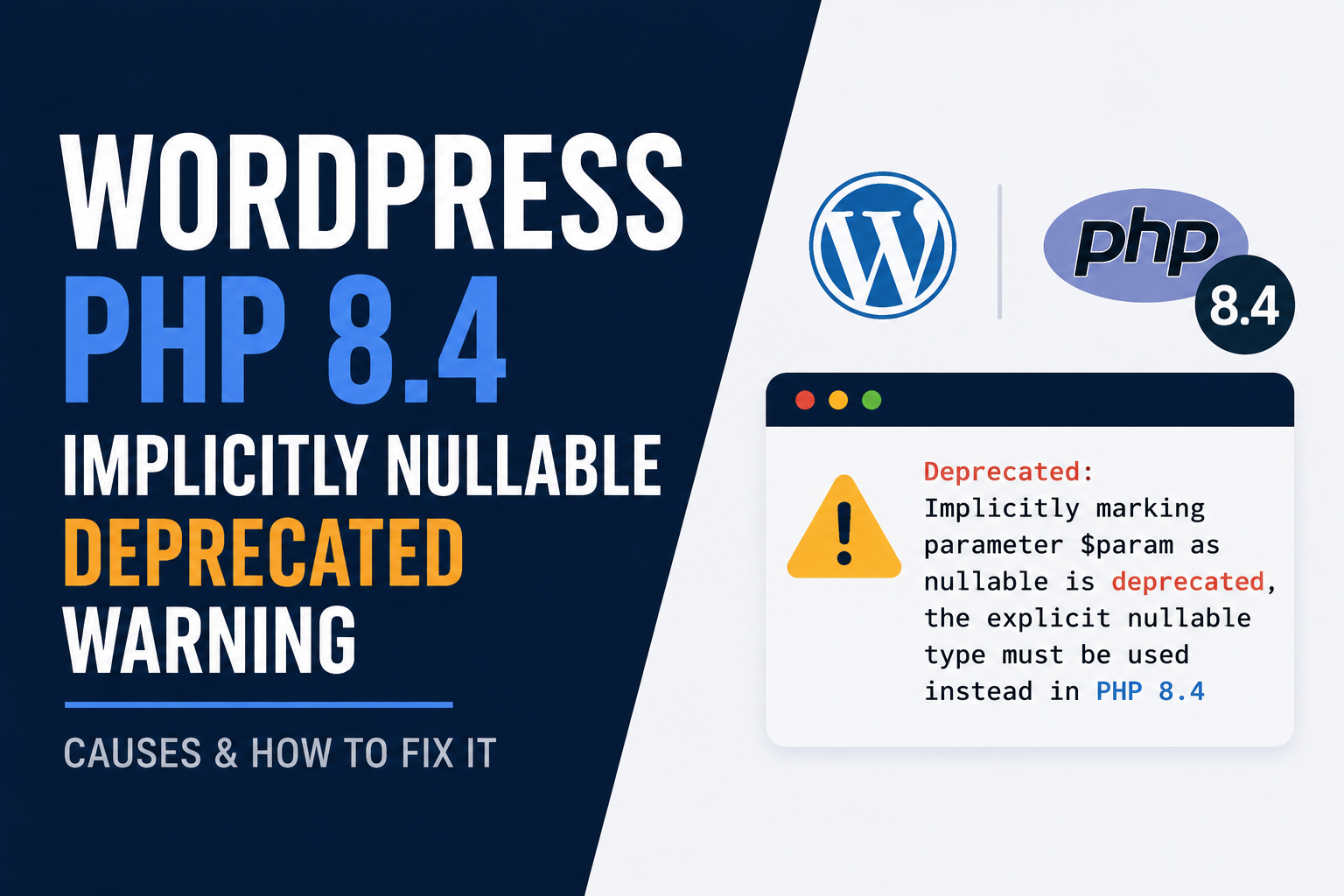
I upgraded a client's VPS from PHP 8.1 to PHP 8.4 a while back. The site kept working. Nothing broke on the surface. But the next morning, the error log was enormous. Thousands of lines, all saying some version of the same thing:
Deprecated: Implicitly marking parameter $entry as nullable is deprecated, the explicit nullable type must be used instead in /wp-content/plugins/...If you've upgraded PHP on a WordPress VPS recently, you've probably seen this too. Here's what's actually happening, why it matters more than it looks, and what I'd actually do about it.
What changed in PHP
Starting in PHP 8.4, writing a function parameter like this:
function example($entry = null) {}now triggers a deprecation warning, because $entry was never explicitly typed as nullable. Older code across thousands of WordPress plugins does exactly this. So the moment you move to PHP 8.4 or newer, plugins that were written years ago start throwing warnings on almost every page load.
This isn't a WordPress problem specifically. It's a PHP language change. But because so much of the WordPress plugin ecosystem is older code that hasn't been touched in a while, WordPress sites feel this one especially hard. Plugins I've personally seen affected include Yoast SEO, WooCommerce PayPal Payments, MailPoet, Loco Translate, and WPML, and that's a small sample of a much longer list.
Is this actually a problem, or just noise?
Both, honestly. A deprecation warning is not a fatal error. Your site keeps running. Visitors don't see anything different. So in the short term, it's mostly noise. But there are two real reasons not to just ignore it. First, deprecated today usually means removed tomorrow. PHP has a pattern of turning deprecation warnings into hard fatal errors a version or two later. A plugin that's throwing warnings now on PHP 8.4 could throw a fatal error on PHP 8.6 or 8.7, and by then you may have forgotten this was ever an issue. Second, and this is the part I think gets missed most, that log file has to live somewhere. On a small VPS, especially the 1 GB or 2 GB tier we've covered in our cost breakdown, an error log that grows by thousands of lines a day adds up fast. I've seen a neglected PHP error log quietly eat several gigabytes over a few months. That's disk space you're paying for, being spent on warnings nobody reads.
Step 1: find out which plugins are actually responsible
Don't guess. Pull the real list from your log file:
grep "Implicitly marking parameter" /var/log/php-fpm/error.log | grep -oP "(?<=plugins/)[^/]+" | sort -uAdjust the log path to wherever your PHP-FPM or WordPress error log actually lives. This gives you a clean, deduplicated list of exactly which plugin folders are triggering the warning, so you're not opening ten plugin settings pages hoping to spot the right one.
Step 2: update first, always
Most major plugins have already shipped a fix for this. In several WordPress.org support threads I looked through, plugin authors resolved the exact warning within a point release or two once PHP 8.4 landed. So before doing anything else, update every plugin on your list to its latest version and check your log again. This alone resolves the majority of cases.
Step 3: for anything still unfixed, suppress carefully, not permanently
If a plugin is abandoned or genuinely hasn't shipped a fix yet, you have a decision to make. You can keep the plugin and quiet the noise temporarily while you plan a replacement. In your php.ini:
error_reporting = E_ALL & ~E_DEPRECATEDThis stops deprecation warnings from filling your log, while still catching real errors and fatal issues, which is the distinction that matters. Don't reach for display_errors = Off alone as your fix here. That only hides errors from a visitor's browser. It does nothing about log growth, and log growth was half the actual problem.
I want to be direct about something though. This is triage, not a fix. Set a reminder to revisit it in a few months, because the underlying plugin still has old code in it, and a future PHP version could turn that same code into a fatal error with no warning at all.
What I'd actually do long term
For any plugin on your list that's actively maintained, just keep it updated and move on. For anything abandoned, that plugin was already a risk before this PHP change ever came along, and this is a good, concrete reason to finally replace it. An abandoned plugin with unresolved PHP 8.4 warnings today is very likely to be the plugin that breaks your site outright on some future PHP upgrade, at a time you didn't choose.
I verified the PHP behavior and error_reporting settings in this guide against current PHP documentation and real WordPress.org support threads as of August 2026.
Comments 0
Be the first to comment.
Leave a comment