
WordPress 7.0 Raised Its Minimum PHP Version. Here Is What Actually Changed

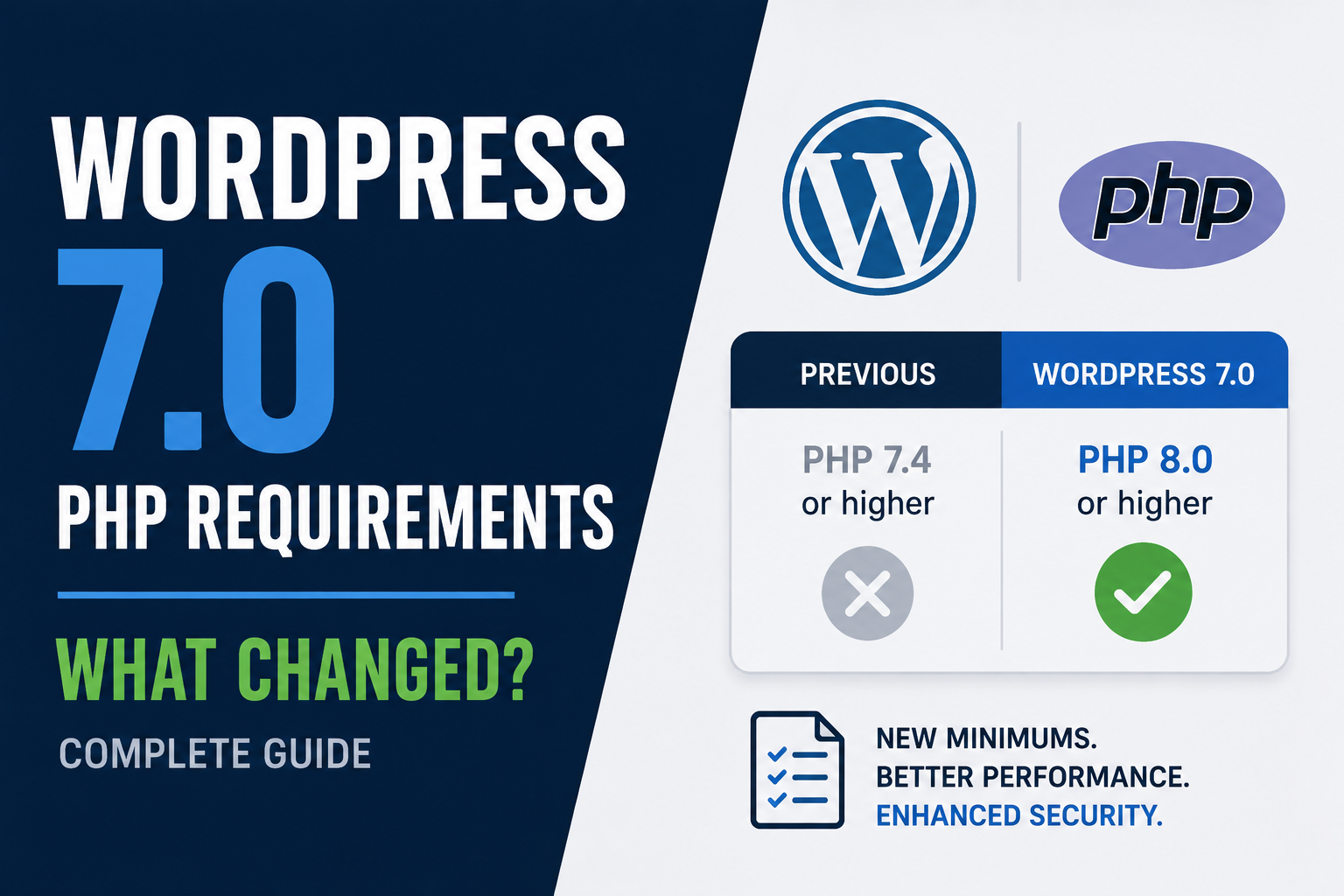
WordPress 7.0 shipped on May 20, 2026, and it raised the minimum PHP version for the first time since WordPress 6.6. If you manage even a couple of WordPress sites, I think this is worth five minutes of your time, since there is also some confusing information going around about what exactly changed. I want to clear that up using the actual official source, not a blog post repeating another blog post.
What actually changed
WordPress Core announced this back in January 2026, well before release. The minimum supported PHP version moved from 7.2.24 up to 7.4.0. That is the only hard technical floor that changed. The recommended version stays at PHP 8.3, exactly where it already was.
Sites still running PHP 7.2 or 7.3 do not break. They simply will not be offered the WordPress 7.0 update at all. They stay on the WordPress 6.9 branch instead, which still receives security patches, just not new features. According to the official WordPress Core announcement, usage of PHP 7.2 and 7.3 had already dropped below 4 percent of monitored installs before this change, which is under the 5 percent threshold the project uses as a guideline for dropping support.
What did not change
Here is where I want to slow down, because I found real disagreement across different sites while researching this. Several posts claimed WordPress 7.0 also raised the minimum MySQL version, some saying it jumped from 5.5.5 up to 8.0. I do not think that claim is accurate. One of the sources making that claim later added a correction to their own article, admitting the MySQL minimum change they originally reported was wrong.
The official WordPress hosting compatibility page for 7.0 does not list a MySQL minimum increase. The recommended database versions, MySQL 8.0 or MariaDB 10.6, are unchanged from what WordPress already recommended before 7.0. So if you were told you must upgrade your database version specifically because of WordPress 7.0, I would double check that against the official requirements page yourself before doing anything.
Why the difference between minimum and recommended matters
WordPress keeps a real gap between what it technically requires and what it actually recommends, and I think that gap causes a lot of the confusion. PHP 7.4 is old. It has been end of life for security patches for years. Meeting the bare minimum keeps your site eligible for the 7.0 update, but it does not mean PHP 7.4 is a safe choice to actually run in production.
This connects to something we already covered in our guide on PHP 8.1 reaching end of life. PHP 7.4 has been unsupported for even longer than 8.1 was. If your site technically qualifies for the WordPress 7.0 update because it runs PHP 7.4, that update eligibility is not the same thing as your server being secure.
What to actually check on your own sites
In your WordPress admin, go to Tools, then Site Health, then the Info tab, then Server. That screen shows your real PHP version and flags it if it is outdated. If you manage several sites, check each one individually, since a shared host default can quietly differ from what an individual site is actually configured to use.
If you find a site on PHP 7.2 or 7.3, it will simply stop getting WordPress core updates until you upgrade PHP first. That is not an emergency by itself, since the 6.9 branch keeps receiving security fixes for now. But I would treat it as a deadline you do not want to keep pushing back, since every WordPress branch eventually stops receiving that backported support.
The catch: don't confuse "still supported" with "fine to ignore"
I think the real risk here is not the WordPress version number at all. It is what an old PHP version sitting untouched for years usually says about the rest of the server around it. If nobody has bumped PHP since 7.2, I would also check how current your MySQL or MariaDB version is, what plugins are installed and whether they are still maintained, and whether your server even has HTTPS properly configured, since that is a hard requirement for every current WordPress install regardless of PHP version.
FAQ
Will my site suddenly go down if I do not upgrade PHP?
No. Your site keeps running exactly as it did. You just stop receiving new WordPress core features and stay on the 6.9 security branch instead of moving to 7.0.
Do I need to upgrade my database version for WordPress 7.0 specifically?
Based on the official requirements, no. The database recommendation is unchanged from before 7.0. If your host or another source told you otherwise, I would ask them to point you to the official WordPress.org requirements page directly.
What PHP version should I actually target, not just the minimum?
WordPress recommends PHP 8.3 or higher. I would treat that as the real target, not PHP 7.4, since 7.4 only keeps you technically eligible for updates rather than actually secure.
How do I check which PHP version a specific site is running?
Use Site Health under Tools in your WordPress admin, or ask your host directly if you do not have admin access. Most hosting control panels also show and let you change the PHP version per site.
Is it risky to upgrade PHP on an old WordPress site?
It can be, if your plugins or theme have not been updated in a while. I would test the upgrade on a staging copy first, the same way we described in our earlier guide on upgrading past PHP end of life versions.
Bottom line
WordPress 7.0 raised the PHP floor from 7.2.24 to 7.4.0, and that is the actual change. The database requirement did not move, despite some confusion online claiming otherwise. If you manage WordPress sites, check your real PHP version today, and remember that meeting the new minimum still leaves you far short of where WordPress actually recommends you be.
Sources: Make WordPress Core, Dropping support for PHP 7.2 and 7.3; Make WordPress Hosting, WordPress 7.0 Server Compatibility. Verified against official WordPress.org sources on August 30, 2026.
Comments 0
Be the first to comment.
Leave a comment