
Access denied; you need (at least one of) the file privilege(s) for this operation
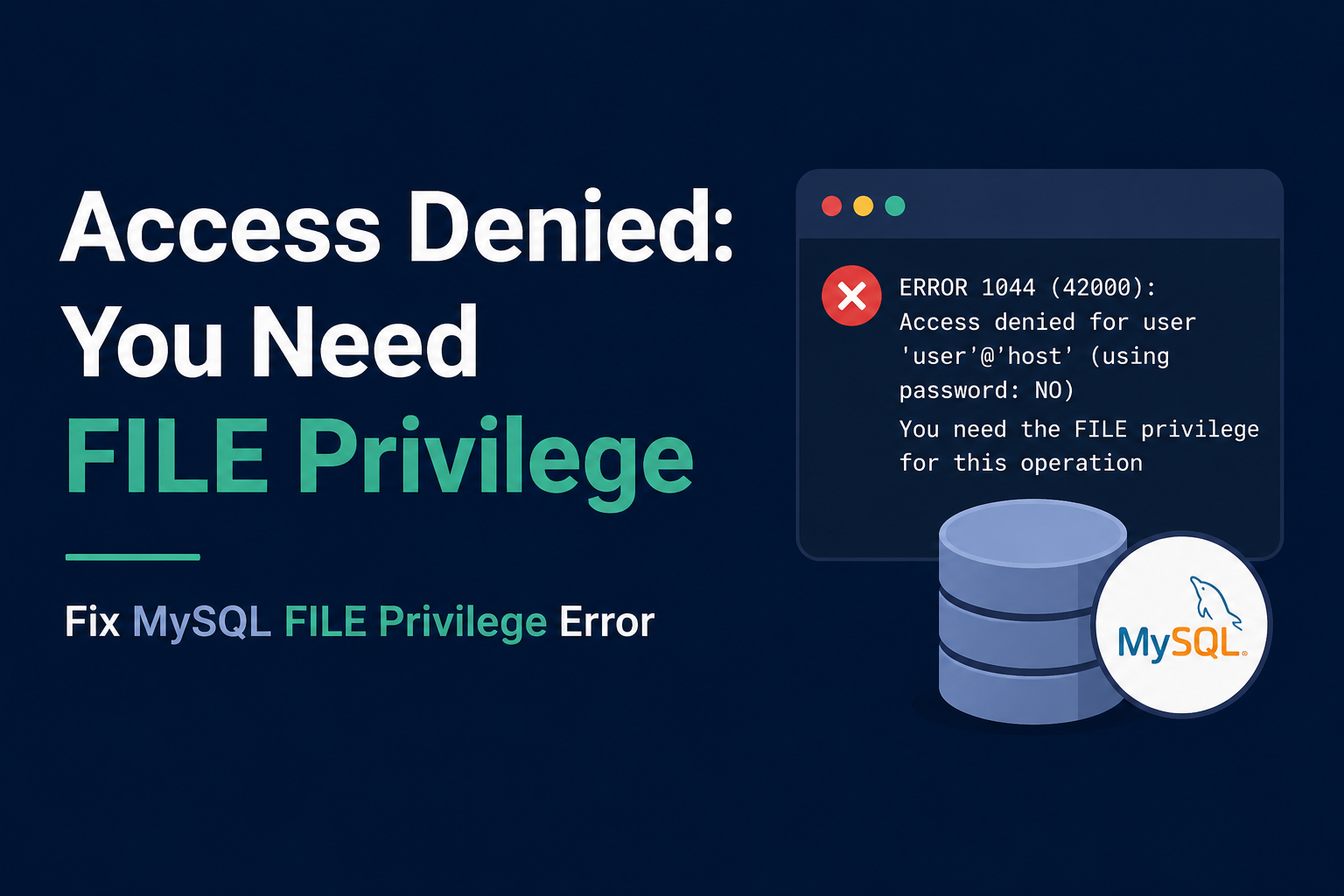
If you searched for this exact error, you are probably trying to run LOAD DATA INFILE, SELECT ... INTO OUTFILE, or the LOAD_FILE() function in MySQL or MariaDB. Instead of your data, you got this back:
ERROR 1227 (42000): Access denied; you need (at least one of) the FILE privilege(s) for this operationI want to walk you through why this happens and how to fix it. The fix is different depending on whether you run your own database on a VPS or use a managed database service. So I will cover both.
Why this error shows up
MySQL has a privilege called FILE. According to the official MySQL Reference Manual, this privilege is required any time a query reads or writes a file directly on the database server's disk. That includes SELECT ... INTO OUTFILE, LOAD DATA INFILE without the LOCAL keyword, and the LOAD_FILE() function.
This privilege exists because it is powerful. A user with FILE can write a new file anywhere the database process can write, and can read any file the database process can read. That is why most accounts do not have it by default, even accounts with full access to your tables.
Fix 1: you run your own MySQL or MariaDB on a VPS
If you manage your own server, you can grant the FILE privilege yourself. Log in as an admin user and run this:
GRANT FILE ON *.* TO 'youruser'@'localhost';
FLUSH PRIVILEGES;
Notice that FILE is granted with *.*. This is not a mistake. FILE is a global privilege in MySQL. You cannot limit it to one database or one table. If you grant it, that user can touch files anywhere the database can, not just files related to one project.
After granting FILE, you might still hit a second wall. MySQL also checks a setting called secure_file_priv. If this is set, your file must be inside that exact folder, or the operation will still fail with a different error about the file location. You can check the current value like this:
SHOW VARIABLES LIKE 'secure_file_priv';If it shows a path, put your file there or ask your database admin to update the setting in the MySQL config file. If it shows an empty value, file operations are unrestricted by location. If it shows NULL, file import and export are disabled entirely at the server level, and no grant will fix that. You would need to change the config and restart MySQL.
Fix 2: you use a managed database (DigitalOcean, RDS, Cloud SQL, PlanetScale)
Here is the part most guides skip. If your database runs on a managed service, you likely cannot grant FILE at all, no matter what you try. Managed providers block it on purpose, because FILE gives access to the underlying server filesystem, and that server is shared infrastructure they manage, not something you should be able to read or write directly.
DigitalOcean's own support team has confirmed this directly for their managed MySQL clusters. The FILE privilege is restricted because it touches the host filesystem, and that is outside what a managed database customer is meant to control. Google Cloud SQL behaves the same way, and so does AWS RDS for most normal accounts.
So if you are on a managed database, do not keep trying to grant FILE. It will not work, and support will likely tell you the same thing. Instead, use one of these approaches:
- Use LOAD DATA LOCAL INFILE instead of LOAD DATA INFILE. The LOCAL version reads the file from your own machine, not the server. This only needs read access on your side, not the FILE privilege on the server. Note that some MySQL clients disable LOCAL by default for security reasons, so you may need to enable it with
--local-infile=1when connecting. - Export with your MySQL client instead of SELECT INTO OUTFILE. Run
mysql -e "SELECT * FROM your_table" your_db > output.csvfrom your own terminal. The file is created on your machine, so no server-side FILE privilege is needed. - Use your provider's built-in export tool. AWS RDS supports
SELECT INTO OUTFILE S3for exporting straight to an S3 bucket, using an IAM role instead of the FILE privilege. Google Cloud SQL has an export feature in its console and CLI that writes directly to Cloud Storage.
The catch: FILE is all or nothing
I think this is the detail that trips people up the most. You cannot grant FILE for just one table or one database. It applies to the whole server. That is exactly why managed providers refuse to offer it at all. There is no safe middle ground they can give you. If you are self-hosting and you grant FILE to an application user just to make one export script work, you have also given that user the ability to read other files on that same server, including files unrelated to your database. I would create a separate, narrowly used admin account for file operations rather than granting FILE to your main application user.
FAQ
I granted FILE and restarted MySQL, but I still get the error. Why?
Check that you ran FLUSH PRIVILEGES after the grant, and confirm you are connected as the exact user and host combination you granted it to. A grant to 'user'@'localhost' does not apply if you are connecting as 'user'@'%' or from a different host string.
Can I use LOAD DATA LOCAL INFILE on a managed database?
Yes, in most cases. Since the file comes from your own machine, the server-side FILE privilege does not apply. You may need to allow local file loading on your client, since some drivers disable it by default.
Is there a security risk in enabling LOCAL for LOAD DATA?
Yes, a small one worth knowing. Per MySQL's own documentation, LOAD DATA LOCAL relies on the server telling the client which file to send. A malicious or compromised server could, in theory, ask for a different file than expected. Only enable it when you trust the server you are connecting to.
Why does my provider not just let me grant FILE if I ask nicely?
Because FILE is not scoped to your database. It touches the shared host filesystem that other customers' data may also sit on, depending on the provider's architecture. Blocking it entirely is simpler and safer for them than trying to sandbox it per customer.
Does this error ever mean something else, like a typo in my SQL?
No, this specific error message is always about privileges, not syntax. If your query has a typo, MySQL will show a different error pointing at the syntax problem instead.
Bottom line
This error is not a bug in your query. It is MySQL protecting server filesystem access behind a privilege that most accounts, on purpose, do not have. If you control your own server, grant FILE carefully and check secure_file_priv too. If you use a managed database, stop trying to grant FILE, and switch to LOAD DATA LOCAL INFILE, a client-side export, or your provider's own export tool instead.
Sources: MySQL 8.0 Reference Manual, SELECT INTO; MySQL 8.4 Reference Manual, LOAD DATA LOCAL security; DigitalOcean Community, FILE privilege on managed MySQL; AWS RDS documentation on dynamic privileges. Verified against official documentation on August 29, 2026.
![SQLSTATE[HY000] [2002] Connection Refused in Laravel and Docker](/uploads/2026/08/c6642a15-ba23-4b45-bd01-aac628a40bb0.png)
Comments 0
Be the first to comment.
Leave a comment