
Nginx Shows 502 But Your App Is Running? Check This IPv6 Localhost Trap
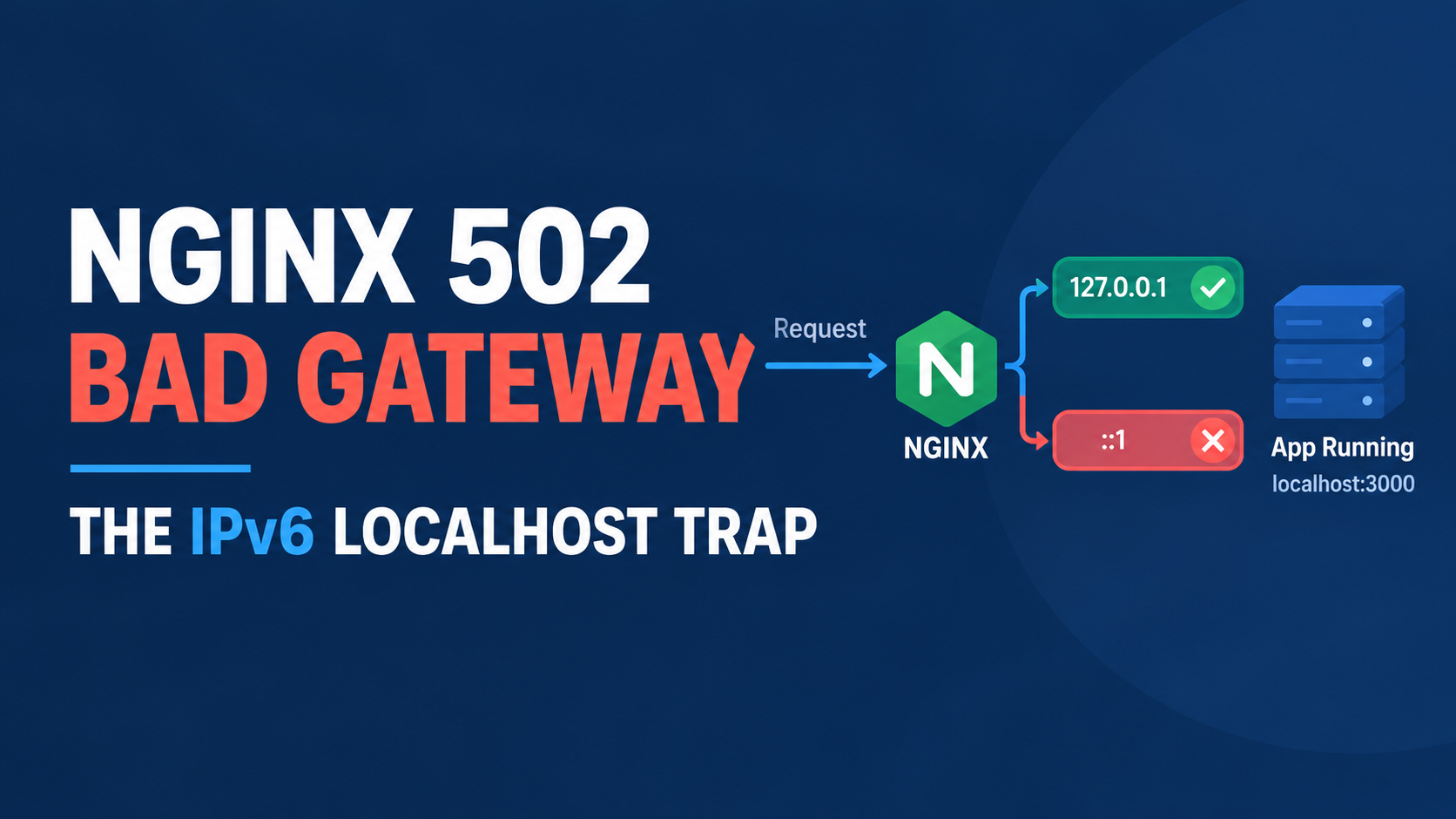
Your app is running. You can see it in ps aux. You can curl it directly from the server and get a real response. Nginx still throws a 502 Bad Gateway anyway. If you have already gone through the usual checklist, restarted PHP-FPM, checked the socket, confirmed the service is up, and nothing changes, there is a specific and much less obvious cause worth checking before you keep guessing.
The actual problem: localhost is not one address anymore
If your Nginx config has a line like this, and your app is actually up and listening, this is very likely your issue.
location / {
    proxy_pass http://localhost:3000;
}
On a modern Linux system, localhost resolves to two different addresses. There is 127.0.0.1, the IPv4 loopback address, and ::1, the IPv6 loopback address. Nginx resolves the hostname localhost at config load time, and depending on your system's resolver order, it may pick ::1 first.
Here is the part that actually causes the confusing symptom. A lot of apps, especially Node processes, Docker containers, and some PHP-FPM setups, only bind to 127.0.0.1 by default. They never open a listener on ::1 at all. So when Nginx tries the IPv6 address, there is nothing there to answer. The connection gets refused, and Nginx shows you a 502, even though the exact same app is sitting there, fully alive, answering perfectly well on the IPv4 address the whole time.
How to confirm this is actually your issue
Check your Nginx error log for the specific connection detail.
tail -50 /var/log/nginx/error.logLook for a line that mentions connecting to an address in brackets, something like [::1]:3000. Square brackets around the address are the tell. That format is how Nginx writes an IPv6 address in its logs, and it confirms Nginx tried the IPv6 loopback specifically, not the IPv4 one your app is actually listening on.
You can also check directly what your app is actually bound to.
ss -ltnp | grep 3000If that output shows 127.0.0.1:3000 and nothing for [::1]:3000, you have confirmed the mismatch. Nginx is trying an address your app was never listening on in the first place.
The fix
The simplest and most reliable fix is to stop relying on Nginx's DNS resolution of localhost entirely, and just write the IPv4 address directly.
location / {
    proxy_pass http://127.0.0.1:3000;
}
Reload Nginx after the change.
sudo nginx -t && sudo systemctl reload nginxThat single change removes the ambiguity. There is no address resolution happening at request time to get confused about, since you have told Nginx exactly which loopback address to use.
The catch: this often shows up right after a server migration or OS upgrade
I want to flag why this specific bug tends to appear out of nowhere on a site that was working fine for months. A fresh install, a new VPS, or an OS upgrade can quietly change your system's default resolver order for localhost, favoring IPv6 where the old server favored IPv4, or the other way around. Your Nginx config never changed. Your app never changed. The system's default name resolution behavior did, and that is enough to flip a working setup into a broken one overnight.
This is exactly the kind of bug that looks like it came from nowhere, because from your own config's perspective, nothing did change. If you migrated to a new VPS or upgraded your OS recently and a previously stable site started throwing intermittent 502s, this is worth checking before anything else.
Who should check this first
If your service is confirmed running, responds fine to a direct curl on the server itself, and Nginx still throws a 502, check this before digging into PHP-FPM pool settings, buffer sizes, or SELinux policies. Those are all real causes of a 502 too, but they usually come with a different, more consistent error pattern. A working backend that intermittently or consistently fails only through the proxy, while working fine when tested directly, points specifically at an address mismatch like this one.
FAQ
Does this affect PHP-FPM setups using a socket, not a port?
No, this specific issue only applies when Nginx is proxying to a TCP address like proxy_pass http://localhost:3000. A Unix socket path, like fastcgi_pass unix:/run/php/php8.3-fpm.sock, does not involve any IP address resolution at all, so it is not affected by this.
Can I fix this by making my app listen on both addresses instead?
Yes, that is a valid alternative. Configuring your app to bind to 0.0.0.0 instead of just 127.0.0.1 means it will accept connections on both IPv4 and IPv6, which also resolves the mismatch. I would still write the explicit IPv4 address in Nginx regardless, since it removes any ambiguity for future debugging.
Is this specific to Docker containers?
Not exclusively, but it shows up often in Docker setups because containerized apps commonly bind only to 127.0.0.1 or a specific interface by default, and a reverse proxy sitting on the host or in another container can end up resolving localhost differently than expected.
Why does curl work fine but Nginx does not?
Because your curl command is very likely defaulting to IPv4 already, or you are testing against the exact address your app is bound to. Nginx, resolving the bare word localhost at its own config load time, can end up choosing differently.
Will disabling IPv6 on the server fix this permanently?
It can work as a blunt workaround, but I would not recommend it as the real fix. Writing the explicit IPv4 address in your Nginx config solves the actual ambiguity without turning off a networking stack you may need for other things.
Bottom line
A 502 from a backend that is demonstrably running and responding is almost never about the backend being broken. It is about Nginx and your app disagreeing on which loopback address localhost actually means. Write the IPv4 address explicitly in your proxy_pass line, and this entire category of confusing, intermittent 502 disappears for good.
Sources: Verified against real-world nginx error log behavior and standard Linux loopback resolution (RFC 3484 address selection, glibc getaddrinfo) as commonly documented across nginx configuration references. Checked against current nginx and systemd-resolved documentation on September 18, 2026.
Comments 0
Be the first to comment.
Leave a comment