
Your Build Pipeline Runs npm Install Too. Here's How to Protect It From Supply Chain Attacks
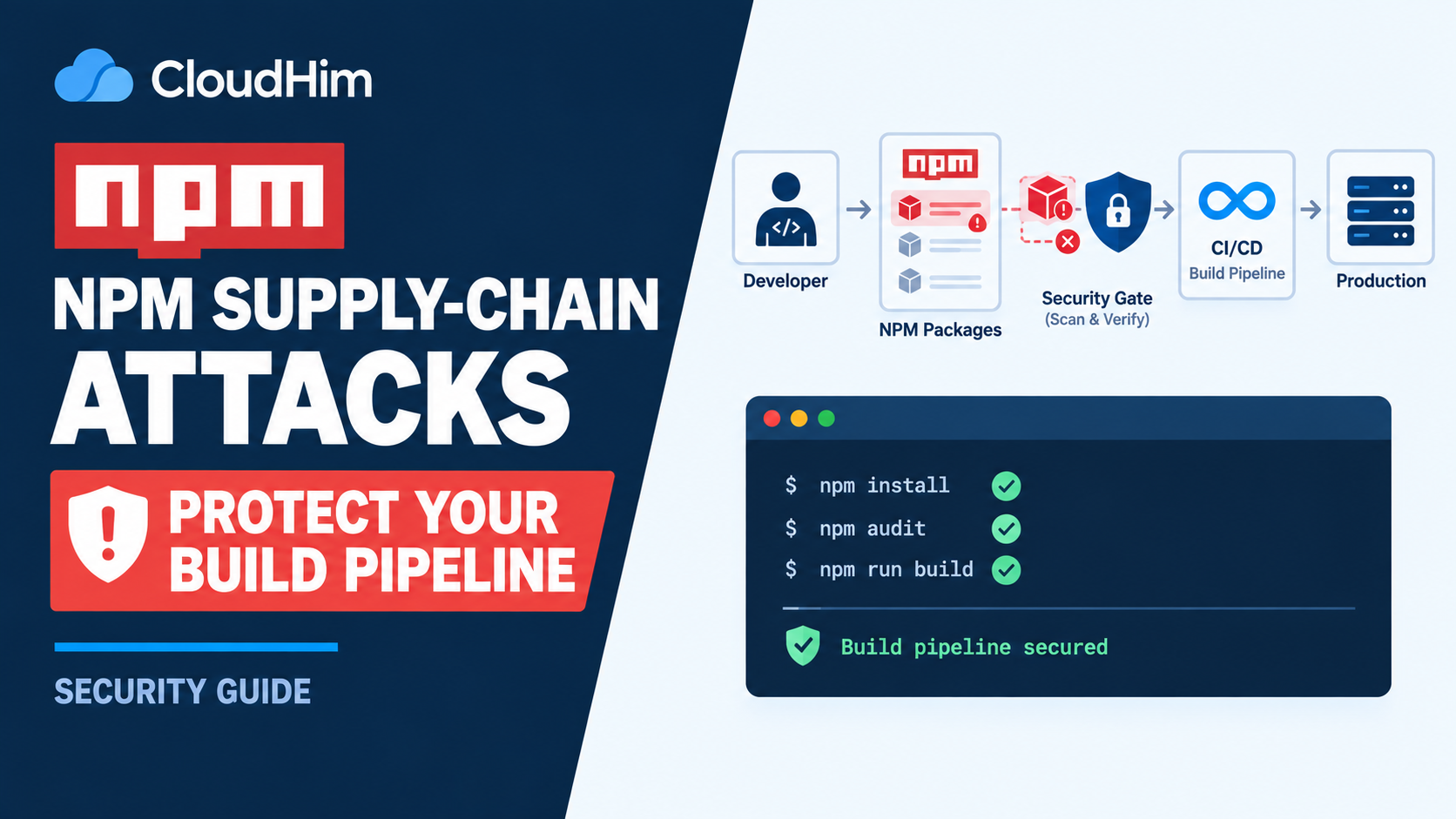
I don't publish npm packages. My work is mostly PHP, Laravel, WordPress. But my deploy pipeline still runs npm install every time, because that's how Tailwind and Vite get built for the frontend. I used to think that made me a bystander to the wave of npm supply chain attacks that's been hitting the JavaScript ecosystem all through 2026. It doesn't. Anyone whose build pipeline touches npm at all is exposed, whether or not you've ever written a line of JavaScript for a living.
Why this keeps happening
2026 has had a genuinely rough run of these. Axios, one of the most widely used JavaScript HTTP libraries on the planet, was compromised in March after an attacker hijacked the maintainer's account. In August, a worm nicknamed ChainDrop spread through keyv and several related caching packages with a combined weekly download count in the hundreds of millions. There have been others in between. The pattern is consistent across nearly all of them: an attacker compromises a maintainer's account or credentials, pushes a malicious release, and the malicious code runs automatically the moment someone else's build pipeline installs that package. According to security researchers who dug into the ChainDrop incident, the payload was often delivered through a script added to the compromised package's own install process, set to run automatically the instant the package gets installed.
That last detail matters more than it sounds like. It means the malware doesn't need you to do anything wrong. It runs the moment npm install finishes, as part of what looks like completely normal package setup.
The one setting that blunts most of these
Most of these attacks rely on a package's install-time scripts, commonly named preinstall, install, or postinstall, to actually execute their payload. npm lets you disable that behavior entirely:
npm install --ignore-scriptsThis tells npm to skip running any lifecycle scripts from the packages it installs. It's not a perfect defense, since some legitimate packages genuinely need a build step to work correctly, and a compromised package's malicious code doesn't have to live in an install script specifically. But it closes off the most common delivery mechanism used across this year's incidents, and for a build pipeline that just needs Tailwind and Vite to compile some CSS and JS, it's usually worth trying first and only backing off if something legitimately breaks.
Use npm ci in your build pipeline, not npm install
If your deploy script currently runs npm install, change it to:
npm cinpm ci installs exactly what's in your package-lock.json, nothing more, nothing resolved fresh. npm install, by contrast, can pull in a newer patch or minor version than what's actually locked, depending on your version ranges, which means a build that worked yesterday can silently start installing a just-compromised package version today without you changing a single line of your own code. Pinning to the lockfile removes that gap entirely.
Commit your lockfile, and actually look at it when it changes
If package-lock.json isn't committed to your repository, start there before anything else on this list. Beyond that, when a dependency update does change the lockfile, a quick glance at the diff is worth the thirty seconds it takes. You're not auditing the code inside every dependency, that's not realistic for most small teams. You're just noticing when something unexpected shows up, an unfamiliar package added as a new transitive dependency, or a jump from patch version 1.2.3 to 1.2.4 that wasn't something you asked for.
Run an audit as part of your build, not as an afterthought
npm audit --audit-level=highAdding this as a step in your deploy script, right before npm ci, gives you a chance to catch a known-bad package before it ships, rather than finding out after the fact. It won't catch a brand-new compromise the same day it happens, npm's advisory database needs time to catch up too, but it's a cheap check that costs a few seconds per deploy.
Why this belongs on a PHP-focused site
If you're running the kind of deploy setup we've covered elsewhere on this site, building assets before pushing to a VPS behind Caddy, your Composer dependencies aren't the only supply chain risk in your pipeline, even if Composer itself is where you'd naturally think to look. Our earlier piece on a Composer token leak covered the PHP side of this same general problem. npm is very often the quieter half of the same build process, and it's had a considerably rougher year.
I verified the specific incidents and npm's own script behavior referenced in this guide against security research and npm's official documentation as of August 2026.
Comments 0
Be the first to comment.
Leave a comment