
Expose a Self-Hosted App Without Opening a Port: Cloudflare Tunnel Explained
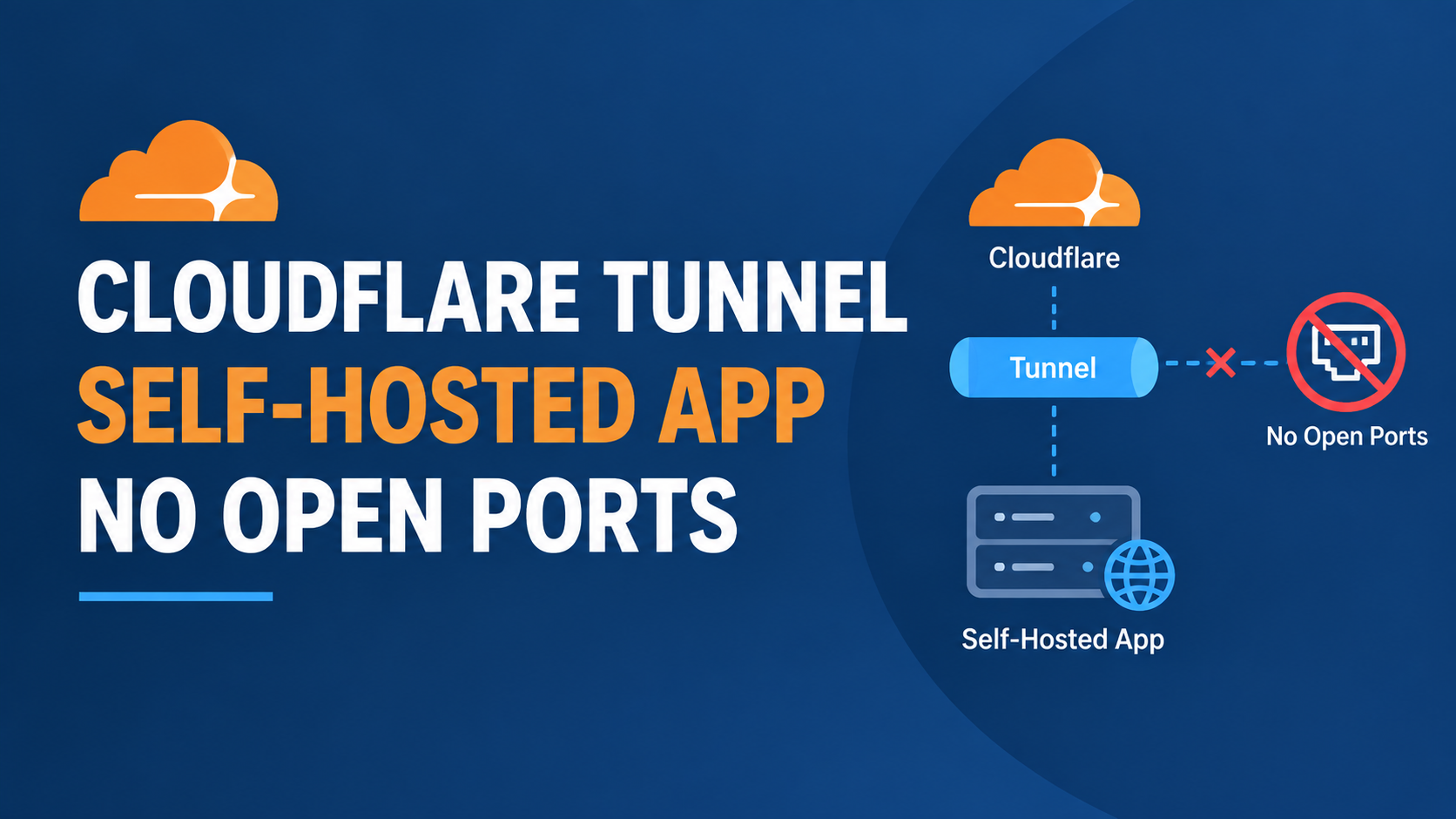
If you self-host anything, from a Nextcloud instance to an internal dashboard, the usual advice is to open a port and hope your firewall rules hold up. Cloudflare Tunnel skips that step entirely. Your server makes an outbound-only connection to Cloudflare, and nothing ever needs to listen on a public port at all. I want to walk through what that setup actually looks like, and the one detail people usually get wrong on their first attempt.
How this is different from opening a port
A normal setup means your server sits there with a port open, waiting for anyone on the internet to connect to it. Cloudflare Tunnel flips that model. You run a small daemon called cloudflared on your server, and it reaches out to Cloudflare instead, creating a persistent, outbound-only connection. According to Cloudflare's own documentation, each tunnel maintains four long-lived connections to two separate Cloudflare data centers for redundancy, and traffic flows through that connection in both directions once it is established.
The practical effect is that your server's real IP address is never exposed. Someone scanning the internet for open ports on your server simply finds nothing, since there is nothing listening publicly. Cloudflare made this feature free for everyone back in 2021, after it had previously been tied to a paid bandwidth-based product.
Cloudflare Tunnel pairs naturally with Cloudflare Access, which adds an identity check in front of whatever you are exposing, so a request has to authenticate before it ever reaches your server at all. Here is an official demo of Access in action, which shows what that identity layer actually looks like from a visitor's perspective.
Setting up a basic tunnel
Install cloudflared on your server, then log in and create a tunnel.
cloudflared tunnel login
cloudflared tunnel create my-app
Define what the tunnel actually points to in a config file.
tunnel: <TUNNEL-ID>
credentials-file: /root/.cloudflared/<TUNNEL-ID>.json
ingress:
  - hostname: app.yourdomain.com
    service: http://localhost:3000
  - service: http_status:404
That last line matters more than it looks. Cloudflare Tunnel requires a catch-all rule at the end of your ingress list, and leaving it out is one of the most common reasons a tunnel fails to start at all.
Route the hostname and run it as a persistent service so it survives a reboot.
cloudflared tunnel route dns my-app app.yourdomain.com
sudo cloudflared service install
sudo systemctl enable --now cloudflared
The catch: your firewall's own security software might block the tunnel itself
This is a genuinely current gotcha, not a hypothetical one. Cloudflare Tunnel connects over QUIC on UDP port 7844, and Cloudflare's own troubleshooting documentation, updated only weeks before I wrote this, flags that some enterprise firewall vendors have started classifying cloudflared traffic under the same application signature as the separate WARP client, sometimes with stricter default handling. If a tunnel that was working suddenly stops connecting after a firewall vendor pushes an update, checking whether tunnel traffic got reclassified is worth doing before you assume the problem is on your own server.
For most solo developers running this on a home lab or a personal VPS without corporate firewall appliances in the mix, this specific issue will not apply. I mention it because it is exactly the kind of thing that looks like a mysterious, unexplainable outage until you know to check for it.
How this compares to Tailscale for exposing a public app
We covered SSH access over Tailscale in an earlier guide, and the two tools solve related but different problems. Tailscale connects your own devices to each other privately, which is ideal for something like SSH that only you need to reach. Cloudflare Tunnel is built for the opposite case, publishing something to the public internet, or to anyone with the right Access policy, without requiring visitors to install anything on their own device. If you want the public to reach an app, Tunnel is the more natural fit. If you only need to reach your own servers yourself, Tailscale is usually simpler.
Who this is for
A strong fit if you are self-hosting something you genuinely want reachable from outside your network, whether that is a small SaaS demo, a personal dashboard, or a homelab service, and you do not want to manage port forwarding or a static IP. Less necessary if everything you are running is meant to stay private to just you, where Tailscale alone already covers the need without the extra DNS and routing setup Tunnel requires.
FAQ
Do I need a domain registered through Cloudflare to use Tunnel?
You need a domain added to Cloudflare's DNS, though it does not need to be registered through Cloudflare itself. Many people keep their domain registrar separate and just point the nameservers at Cloudflare.
Is Cloudflare Tunnel actually free?
Yes, the core outbound-only tunnel feature has been free for any account since 2021. Certain add-ons, like accelerated routing through Argo Smart Routing, remain paid, but they are optional.
Does this replace the need for HTTPS on my origin server?
Not entirely. Traffic between visitors and Cloudflare is encrypted automatically, but traffic between Cloudflare and your origin server depends on your SSL/TLS mode setting. Full or Full Strict mode still requires a valid certificate on your origin.
Can I run more than one service through a single tunnel?
Yes, a single tunnel can route multiple hostnames to different local services using multiple entries in the ingress list, so you do not need a separate cloudflared instance for every app you expose.
What happens if my server loses its internet connection?
The tunnel simply stops working until connectivity returns, since it depends on that outbound connection staying alive. There is no separate failure mode beyond your server being offline in the first place.
Bottom line
Cloudflare Tunnel removes an entire category of exposure by never opening a public port in the first place, and it is genuinely free to run. The setup itself is a handful of commands, the catch-all ingress rule is the detail most first attempts miss, and if a working tunnel mysteriously stops connecting behind a corporate firewall, checking for a recent App-ID reclassification is worth a look before you start debugging your own config.
Sources: Cloudflare Tunnel official documentation; Cloudflare One, Cloudflare Tunnel; Cloudflare Tunnel troubleshooting documentation; Cloudflare Blog, A Boring Announcement: Free Tunnels for Everyone. Verified against official Cloudflare documentation on September 7, 2026.
Comments 0
Be the first to comment.
Leave a comment