
Why Your Sudoers Rule Stopped Working on Ubuntu 26.04 (sudo-rs Wildcard Change)
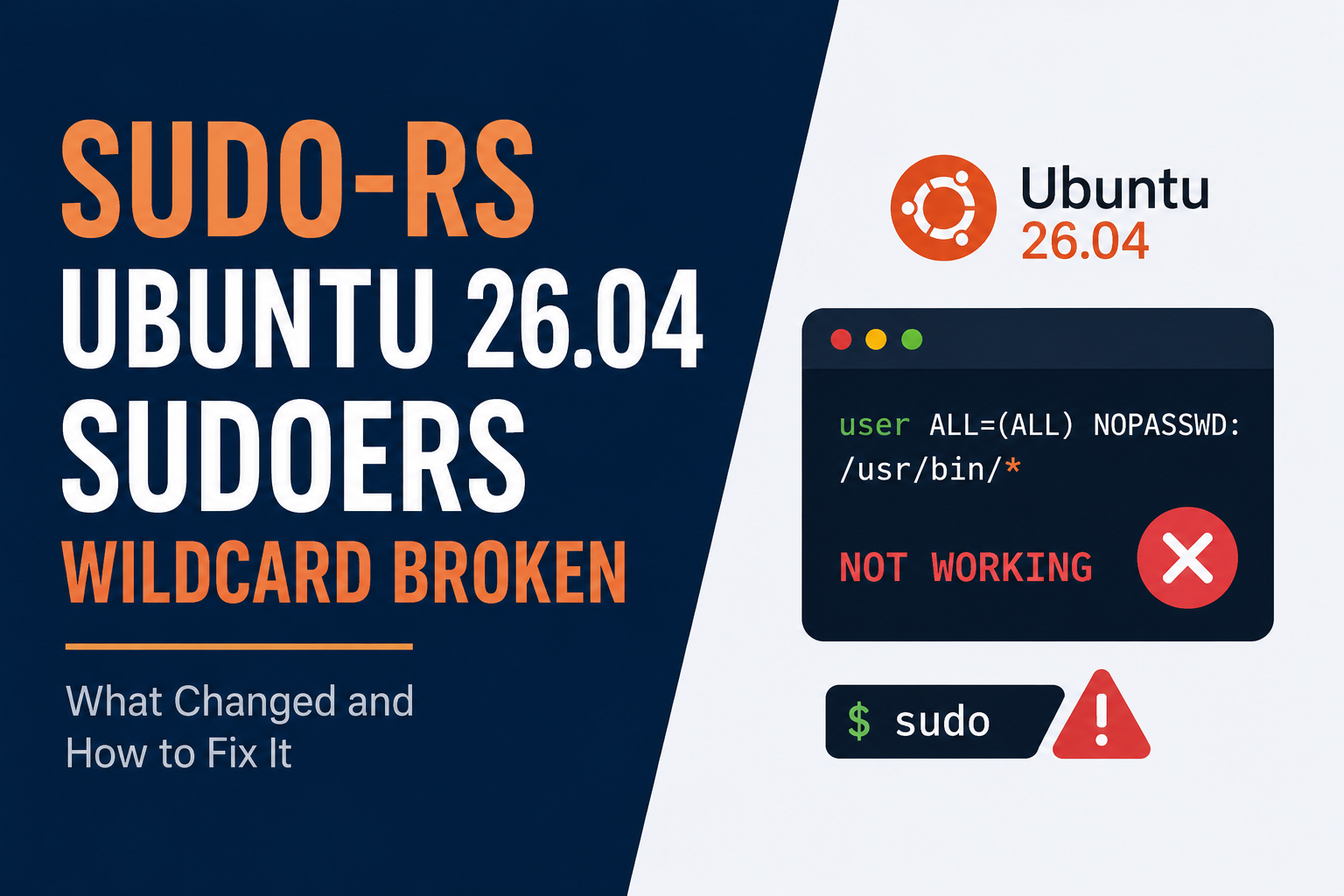
I set up a fresh VPS on Ubuntu 26.04 last month. I built my usual deploy user, gave it a sudoers rule so it could restart a service without full root access, and moved on. A few days later, that exact deploy script started failing. No warning. No obvious reason. Just a permission error where there used to be none.
Here is what happened, and why it will happen to you too if you manage VPS servers on the new LTS.
Ubuntu 26.04 quietly changed sudo
Ubuntu 26.04 LTS, released in April 2026, made sudo-rs the default sudo. That is a full rewrite of sudo in Rust. It is not a patch on top of the old sudo. It reads the same /etc/sudoers file, and most commands behave the same way. So for most people, nothing looks different. You still type sudo apt update and it still works.
But sudo-rs was built with a smaller, deliberately trimmed feature set. Its developers left some things out on purpose. And one of those things is exactly what broke my deploy script.
The break: wildcards inside command arguments
Here is a sudoers rule that worked fine on Ubuntu 24.04:
deploy ALL=(root) NOPASSWD: /usr/bin/systemctl restart myapp-*This rule let the deploy user restart any service starting with myapp-, without a password. That kind of pattern is common. People use it to let a deploy user manage a handful of related services without listing each one by name.
On sudo-rs, that wildcard inside the argument stops matching. Not with an error you'll notice right away. It just silently refuses to match, and the deploy user gets denied. I confirmed this is a known, documented change, not a bug specific to my setup. Other teams have hit the exact same wall, including one project that reported the identical issue with a wildcard-based sudoers rule failing after the Ubuntu 26.04 upgrade.
Wildcards in the command path itself still work fine. It's specifically wildcards used to match parts of the arguments that get dropped.
How to check what you're running right now
Before you touch anything, find out which sudo your server is actually using:
sudo --versionIf the first line just says something like sudo-rs 0.2.x, you're on the new implementation. The old sudo prints a longer, multi-line version string instead. Don't guess based on the Ubuntu version number alone. Ask the machine directly, because behavior can vary depending on exactly how the server was built.
Fixing the actual rule (the better long-term option)
The cleanest fix is to stop relying on argument wildcards and list the exact commands instead:
deploy ALL=(root) NOPASSWD: /usr/bin/systemctl restart myapp-web, /usr/bin/systemctl restart myapp-workerIt's more typing. But it's also more precise, and honestly, it's a safer habit anyway. A wildcard rule can accidentally grant more access than you intended, especially as new services get added later without anyone revisiting the sudoers file. I'd rather list two or three exact commands than leave a gap that grows quietly over time. Always validate a sudoers edit before you trust it:
sudo visudo -cAnd test the actual command as the actual user, in a second terminal, before you close your original session. That habit has saved me more than once, and it applies just as much here as it does to firewall changes that can lock you out.
The quick fix: switch back to the old sudo
If you need things working right now and want to sort out the sudoers rule properly later, Ubuntu still ships the original sudo alongside sudo-rs, at least for now. You can switch back with:
sudo apt install sudo.ws
sudo update-alternatives --set sudo /usr/bin/sudo.ws
This takes effect immediately. No reboot needed. But treat it as a temporary bridge, not a permanent fix. Canonical has said it plans to drop the fallback in a future release, so a sudoers file that only works on the old sudo is a problem you're choosing to have later instead of now.
A few other things sudo-rs leaves out
The wildcard issue is the one most likely to bite an ordinary VPS setup, so I've focused on it here. But if you run anything more advanced, it's worth knowing sudo-rs also drops a few other features from the old sudo:
- LDAP-based sudoers storage is gone. If your rules live in LDAP rather than a local file, this matters a lot. Local
/etc/sudoersand/etc/sudoers.d/files still work fine. - Session recording and
sudoreplayare not implemented, so if you relied on that for audit logs, you'll need a different approach. - sudo-rs logs allowed and denied commands to syslog by default, and this isn't configurable through the old
Defaults logfilesetting, since that setting isn't implemented at all.
None of these are likely to affect a typical small VPS running WordPress or a Laravel app. But if you're managing sudoers rules for a Supervisor-managed deploy setup or anything similar, it's worth a five-minute check before you assume everything carried over cleanly.
What I'd do differently next time
If you're about to spin up a new server on Ubuntu 26.04, don't wait to find out the hard way. Check any existing sudoers rules for argument wildcards first, and rewrite them to list exact commands. It takes a few minutes now, and it saves you from a deploy script failing at exactly the wrong moment.
I verified sudo-rs behavior and version details in this guide against current Ubuntu 26.04 LTS documentation and real-world reports as of August 2026.

Comments 0
Be the first to comment.
Leave a comment