
Cloudflare Keeps Having Outages. Here Is What That Means for Your R2 Backups
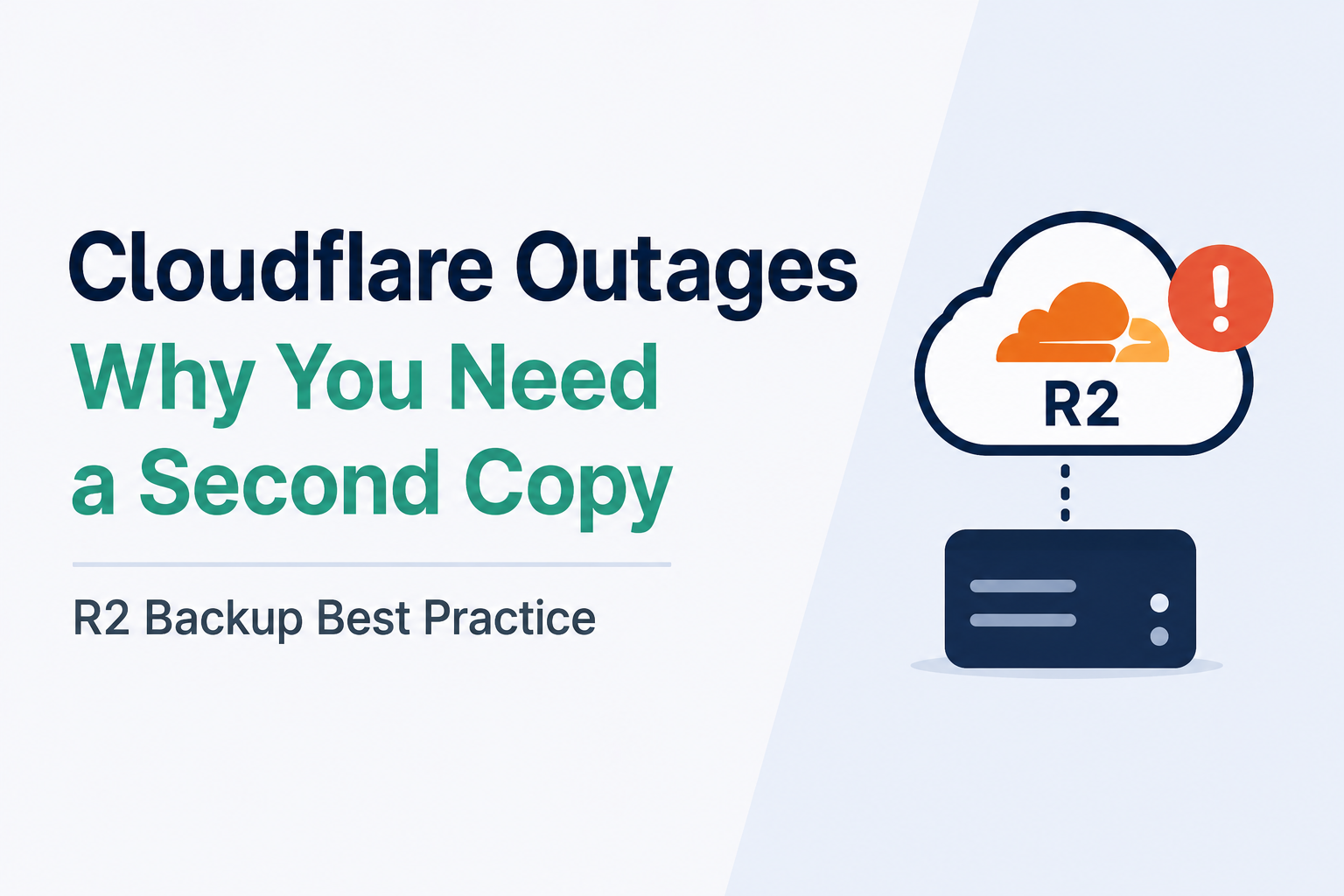
I have been reading about Cloudflare's status page a lot lately, and one thing stood out to me. Cloudflare had a rough stretch in 2025 and 2026. There was a global outage on November 18, 2025, caused by a bad software file in their Bot Management system. Then another outage hit on December 5, 2025, this time from a config change. Cloudflare took both seriously. They even launched an internal project called "Code Orange: Fail Small" to stop it from happening again.
So here is the real question for you. If your backups live on Cloudflare R2, what happens when R2 itself goes down? I want to walk through this honestly, because I think a lot of small teams treat R2 as if it can never fail. It can. Every cloud service can.
What actually happened
Let me be clear about the facts first. Cloudflare's own blog confirms the November 18, 2025 outage was a global one. A bug in how they generated a Bot Management feature file caused many services to fail at once. Their December 5, 2025 outage lasted about 25 minutes and came from a config change tied to a security fix.
Separately, R2 has had its own specific incidents. One widely reported case involved a credential rotation mistake. An engineer forgot to add a production flag when deploying new API credentials. The old credentials got deleted before the new ones were live in production. That left R2 unable to authenticate requests for over an hour.
Sites that track Cloudflare's public status page have also reported bursts of smaller incidents. One tracker counted 13 separate status page entries across just over a week in August 2026, touching R2, Workers KV, and other services in different regions. Most of these were labeled minor. Still, the pattern is worth noticing if your business depends on one part of Cloudflare staying up all the time.
Why this matters if you already followed our R2 backup guide
If you set up restic backups to R2 using our earlier guide, you now have encrypted, versioned backups off your server. That is a real improvement over no backup at all. But I want to be honest about a gap in that setup. If R2 has an outage right when you need to restore, you cannot pull your data down. That is bad timing, but it happens.
This is not a reason to abandon R2. It is fast, cheap, and has no egress fees. Instead, this is a reason to add one more layer. In backup terms, this is called the 3-2-1 rule. You keep three copies of your data, on two different types of storage, with one copy somewhere else entirely. Right now, if R2 is your only off-server copy, you only have two out of three.
A simple fix: add a second backup target
You do not need a complex setup to fix this. Restic supports multiple repositories, so you can run your backup script twice, once to R2 and once to a second provider like Backblaze B2 or even a different region on a different cloud.
export RESTIC_REPOSITORY="s3:https://ACCOUNT_ID.r2.cloudflarestorage.com/vps-backups"
restic backup /var/www /root/db-backups

export RESTIC_REPOSITORY="s3:https://s3.us-west-002.backblazeb2.com/vps-backups-secondary"
export AWS_ACCESS_KEY_ID="YOUR_B2_KEY_ID"
export AWS_SECRET_ACCESS_KEY="YOUR_B2_APP_KEY"
restic backup /var/www /root/db-backups
Yes, this doubles your storage cost. But for a typical solo-dev backup size, we are talking about a few dollars a month, not a few hundred. I think that is a fair price for knowing your backup does not depend on a single company having a perfect day.
The catch: don't just add a second copy, test both
Here is something I want to stress. A second backup copy only helps if you know it actually works. So do not stop at adding the second restic backup command. Once a month, actually run a restore from each repository separately. Pull a file back from R2, then pull the same file back from your second provider. If one of them fails silently, you want to find out during a calm Tuesday afternoon, not during a real outage.
This is also a good moment to point back to our guide on monitoring your restic backups with self-hosted Healthchecks. If you extend that setup, add a separate check for each repository. That way, if one provider quietly stops accepting your backups, you get a clear signal instead of finding out weeks later.
Who should actually do this
If your backup is protecting a real business, client data, or anything you could not recreate from scratch, I would set up the second copy this week. It is a small amount of extra work for a real reduction in risk.
If you are backing up a personal side project with nothing critical in it, a single R2 copy is probably fine for now. Just know the tradeoff you are making, and revisit it once the project actually matters to you or to paying users.
FAQ
Does this mean Cloudflare R2 is unreliable?
No, and I do not want to give that impression. R2 is a solid, affordable service. The point is that every cloud service has outages sometimes, so no single provider should be your only copy of anything important.
Is Backblaze B2 the only good second option?
No. Any S3-compatible provider works with restic. Wasabi and AWS S3 are common choices too. Pick one that is genuinely a separate company and separate infrastructure from your first choice.
Will running two backups slow down my cron job?
A little, since you are uploading the same data twice. For a small VPS backup, this usually adds a few extra minutes, not hours. You can also run the second backup on a slightly offset schedule if you want to spread out the load.
How often should I test a restore?
Once a month is a reasonable habit for a small project. If your data changes fast or matters a lot, test more often. The real goal is to make sure a restore test happens at all, on some kind of schedule.
What is Cloudflare doing about these outages?
Cloudflare has publicly discussed a project called "Code Orange: Fail Small," aimed at making configuration changes safer and preventing the kind of cascading failures seen in their November 2025 outage. That is a good sign, but it does not remove the value of having a backup plan that does not depend on any single provider.
Bottom line
I like Cloudflare R2 for backups. It is cheap and it works well most of the time. But "most of the time" is not the same as "always." After looking at Cloudflare's recent outage history, I think the smart move for anyone with real data on the line is simple. Keep a second copy somewhere else, and actually test that you can restore from both.
Sources: Cloudflare Blog, posts tagged Outage; Cloudflare outage report, November 18, 2025; Cloudflare outage report, December 5, 2025; Code Orange: Fail Small is complete, Cloudflare Blog. Verified against Cloudflare's own blog on August 28, 2026.


Comments 0
Be the first to comment.
Leave a comment