
How to Host Multiple Apps on One VPS With Docker and Caddy

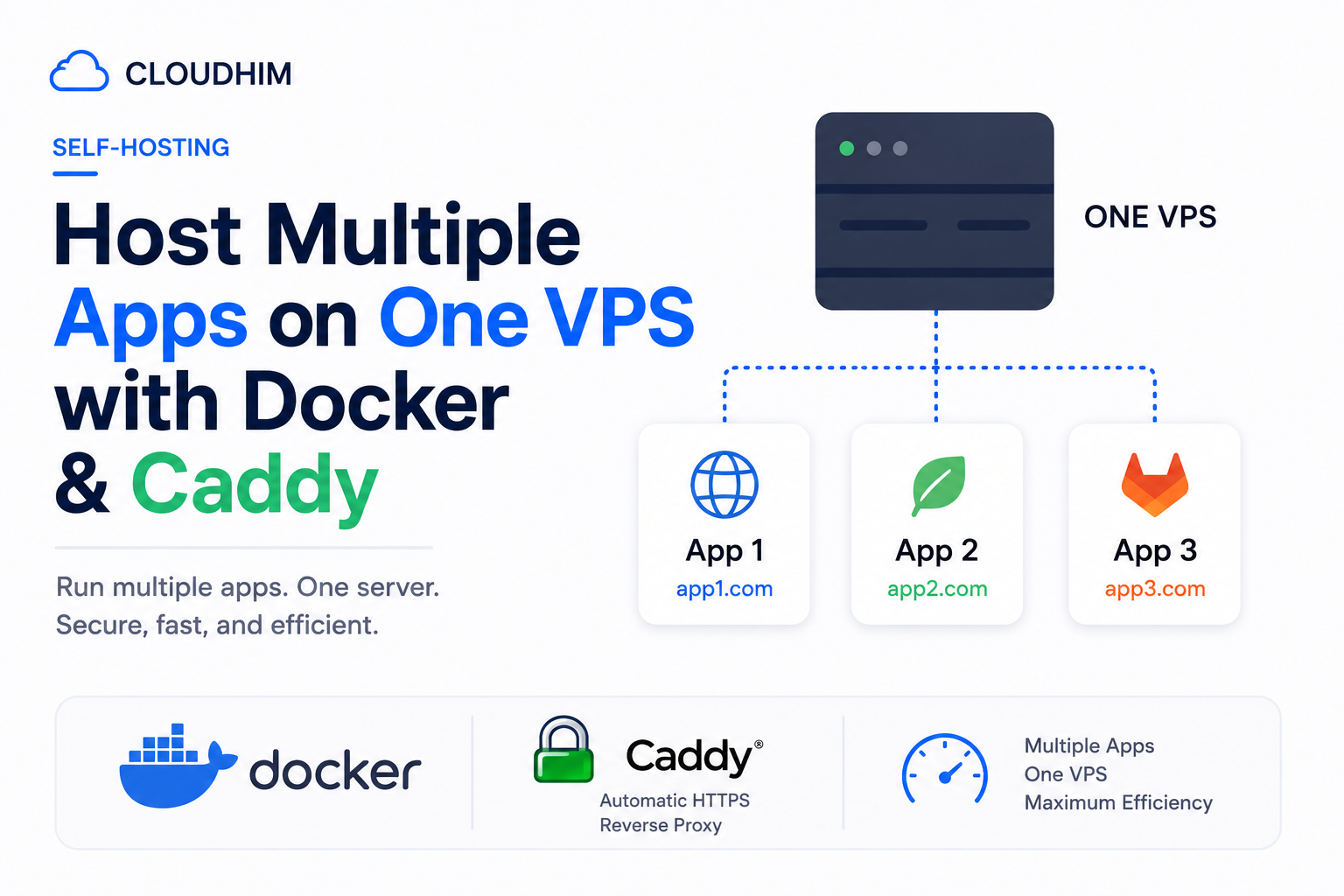
You have a $6/month VPS and three side projects. The naive approach — giving each project its own subdomain and a different port number in the URL — works, but it's ugly, it means no free SSL, and it doesn't scale past project number two before you lose track of which port is which.
The fix is a reverse proxy: one piece of software that owns ports 80 and 443, looks at the incoming hostname, and routes traffic to the right container. Every app can share a single cheap VPS, each gets its own domain or subdomain, and each gets free, auto-renewing HTTPS. This is how to set it up with Docker and Caddy — the reverse proxy with the least configuration overhead of the common options.
Why Caddy over Nginx or Traefik
All three can do this job. The difference is setup effort:
- Nginx is the most common choice, but you're hand-writing server blocks and separately managing Let's Encrypt renewals with certbot, or reaching for a companion project like nginx-proxy to automate it.
- Traefik auto-discovers containers and handles certificates natively, and it's the stronger choice once you're running many services with complex routing rules — but that flexibility comes with a steeper config learning curve.
- Caddy requests and renews HTTPS certificates automatically with zero extra setup, and its config file (a Caddyfile) is close to plain English. For a handful of apps on one VPS, it's the fastest path from nothing to a working HTTPS setup.
This matches Cloudhim's general default: use the simplest tool that solves the actual problem, and reach for Traefik's extra complexity only once you actually need it.
The setup: one shared Docker network
The core idea is that Caddy and your app containers all join the same Docker network. Docker's internal DNS then lets Caddy reach each app by its container name — no host ports, no manual IP addresses.
Create the shared network once:
docker network create caddy_netCaddy's own docker-compose.yml
services:
  caddy:
    image: caddy:2-alpine
    restart: unless-stopped
    ports:
      - "80:80"
      - "443:443"
    volumes:
      - ./Caddyfile:/etc/caddy/Caddyfile
      - caddy_data:/data
      - caddy_config:/config
    networks:
      - caddy_net

networks:
  caddy_net:
    external: true

volumes:
  caddy_data:
  caddy_config:
The Caddyfile
app1.yourdomain.com {
    reverse_proxy app1:3000
}

app2.yourdomain.com {
    reverse_proxy app2:8080
}
Two things matter here: the upstream is the container name (app1), not localhost, because Docker's DNS resolves service names within a shared network. And each app container should not publish its port to the host — only Caddy needs to be reachable from outside, everything else talks over the internal Docker network.
Each app's docker-compose.yml
services:
  app1:
    image: your-app1-image
    restart: unless-stopped
    networks:
      - caddy_net
    # no "ports:" section — Caddy reaches it over caddy_net

networks:
  caddy_net:
    external: true
Point each subdomain's DNS A record at your VPS's IP address, start both compose stacks, and Caddy requests a Let's Encrypt certificate for each hostname automatically the first time it sees traffic for it.
A gotcha worth knowing about upfront
Don't run Caddy installed via apt and a Caddy Docker container on the same VPS at the same time. Both will try to bind ports 80 and 443, and one of them will fail to start. Pick one approach — if all your apps are already in Docker, keep Caddy in Docker too.
Scaling past a handful of apps: label-based discovery
Manually editing the Caddyfile every time you add a project works fine for two or three apps. Past that, caddy-docker-proxy — an actively maintained plugin with over 10 million pulls — lets you configure routing with Docker labels instead, so Caddy's config lives next to each app rather than in one central file:
services:
  app1:
    image: your-app1-image
    restart: unless-stopped
    labels:
      caddy: app1.yourdomain.com
      caddy.reverse_proxy: "{{upstreams 3000}}"
    networks:
      - caddy_net
The plugin watches the Docker socket, regenerates its internal Caddyfile whenever a labeled container starts or stops, and reloads with zero downtime. This is the better pattern once you're deploying and tearing down projects often enough that editing a shared config file becomes the annoying part.
What this setup costs
Nothing beyond the VPS you already have. A single $6/month VPS with 1–2 GB of RAM comfortably runs Caddy plus several small Docker apps — Caddy itself uses a small footprint at idle, and Let's Encrypt certificates are free with no rate limits that a small number of apps would realistically hit.
When this setup isn't the right fit
- One app actually needs the whole VPS's resources. If a single service is CPU- or memory-hungry enough to matter, colocating other apps next to it just makes debugging resource contention harder. Give it its own VPS.
- You need complex routing logic. Path-based rules, weighted traffic splitting, or per-request middleware chains are where Traefik's extra configuration surface starts paying for itself.
- Apps have very different security postures. If one app handles sensitive data and another is a public demo, think about whether you actually want them sharing a network and a host, regardless of how the reverse proxy is configured.
For the common case — a few small projects, side hustles, or client sites on one budget VPS — Caddy plus a shared Docker network gets you free HTTPS and clean subdomains with very little to maintain.
Caddyfile syntax and the caddy-docker-proxy plugin details in this guide were checked against their official documentation and GitHub repository in August 2026.
Comments 0
Be the first to comment.
Leave a comment