
Tailscale Now Bills Every Seat, Even Idle Ones. Here's How to Clean Yours Up
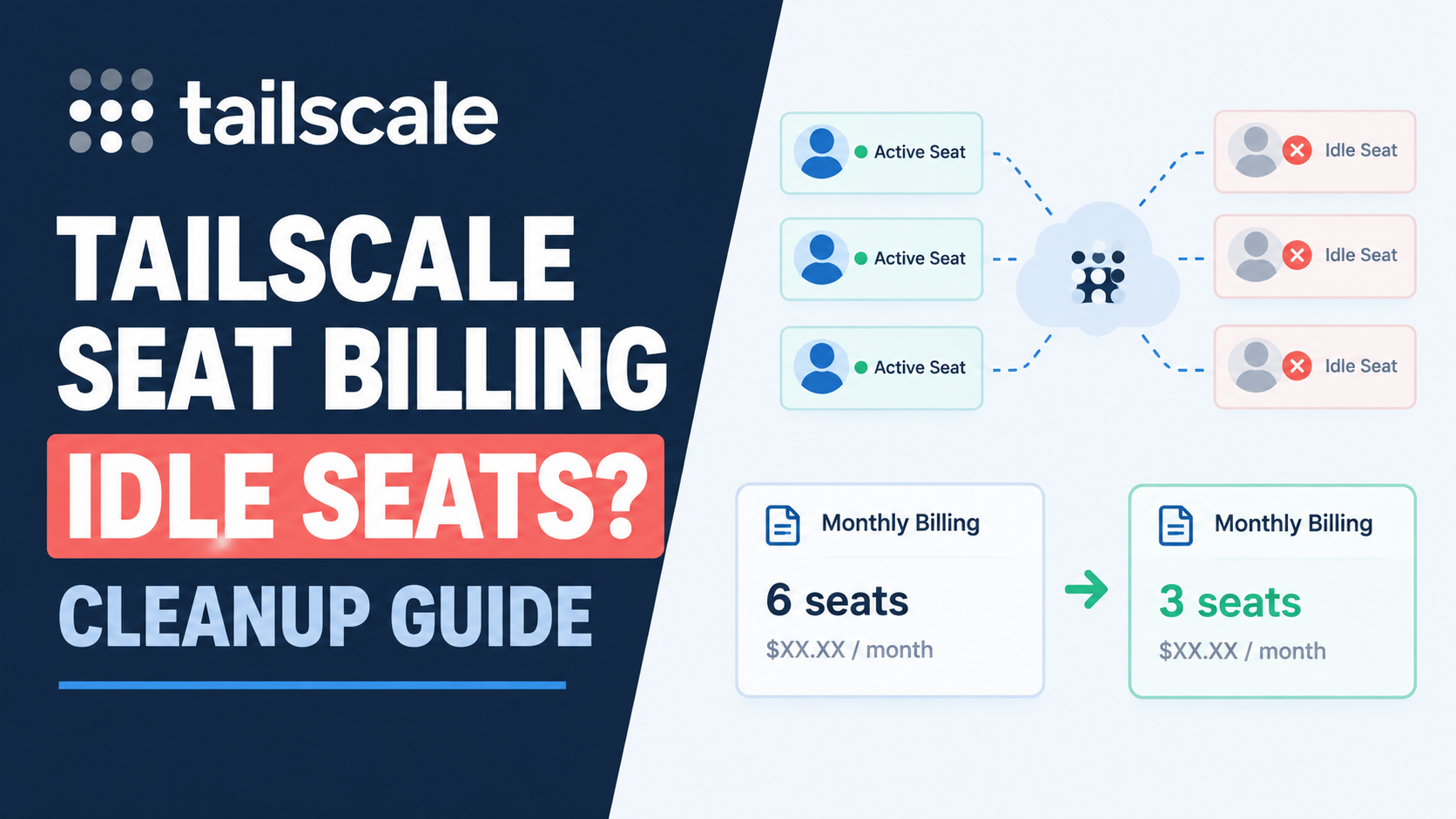
Tailscale changed how it bills business plans back in April, and I don't think enough people have actually gone and checked what it means for their own bill yet. The short version: it used to charge based on who actually used Tailscale in a given month. Now it charges for every seat you've assigned, whether that person ever connects or not.
If you've been running Tailscale to give a contractor or a former team member access to a VPS at some point, this is worth five minutes to check.
What actually changed
As of April 8, 2026, Tailscale's paid plans moved from active-user billing to assigned-seat billing. I saw one report of a team facing a $360 bill for 45 seats after the change, most of which weren't people actively using Tailscale day to day, just accounts that had been set up once and never cleaned up. Under the old pricing, an inactive account cost nothing. Under the new pricing, it's a line item every month until someone removes it. The free Personal tier actually got more generous in the same update, now covering six users and unlimited user-owned devices instead of three users and a 100 device cap. So this isn't a story about Tailscale getting worse across the board. It's specifically about paid business plans, and specifically about seats nobody's using anymore.
Find out who's actually idle
Tailscale already tracks this for you, you just need to go look. In the admin console's Users page, anyone who hasn't signed in or used Tailscale for more than 7 days shows up with an Idle label, according to Tailscale's own documentation. That's your starting list. For a more precise view of devices rather than people, the Machines page supports search filters that make this fast. A few worth knowing:
lastseen:<30d
disabled:expired
lastseen:not-connected
The first shows devices not seen in the last 30 days, adjust the number to whatever makes sense for your setup. The second catches devices with an expired key sitting around doing nothing. The third shows anything currently disconnected, which is a broader net but useful for a first pass.
Removing what you don't need
For a person who's actually left the team, delete the user entirely from the Users page. This suspends them immediately and fully deletes them about 30 days later, and it frees the seat right away rather than waiting out that window. For a device that's just old or replaced, like a VPS you decommissioned or a laptop nobody uses anymore, remove it directly from the Machines page instead. That's a device-level cleanup, separate from removing a whole user, and it's the right move when the person is still active but the specific machine isn't. If you're managing this across a lot of devices, Tailscale's API supports scripted removal too, useful if you're doing this cleanup as a recurring task rather than a one-time pass:
curl -X DELETE "https://api.tailscale.com/api/v2/device/DEVICE_ID" -u "YOUR_API_KEY:"Worth doing on a schedule, not just once
A one-time cleanup helps today, but the underlying cause doesn't go away. Someone joins a project for three weeks, gets a Tailscale seat, and the seat outlives the project unless somebody remembers to remove it. I'd treat this the same way we've talked about treating a Laravel queue worker or any other long-running process on a VPS: worth a quick recurring check, not just a fix you do once and forget about. If you're the only person managing infrastructure for a small team or a handful of clients, a quarterly look at the Users and Machines pages costs a few minutes and can genuinely be the difference between paying for six seats and paying for eleven.
I verified the pricing change date and the cleanup steps in this guide against Tailscale's own official blog and documentation as of August 2026.



Comments 0
Be the first to comment.
Leave a comment