
Caddy 2.11.3 Broke Multi-App Configs. Here's What Changed and How to Fix It
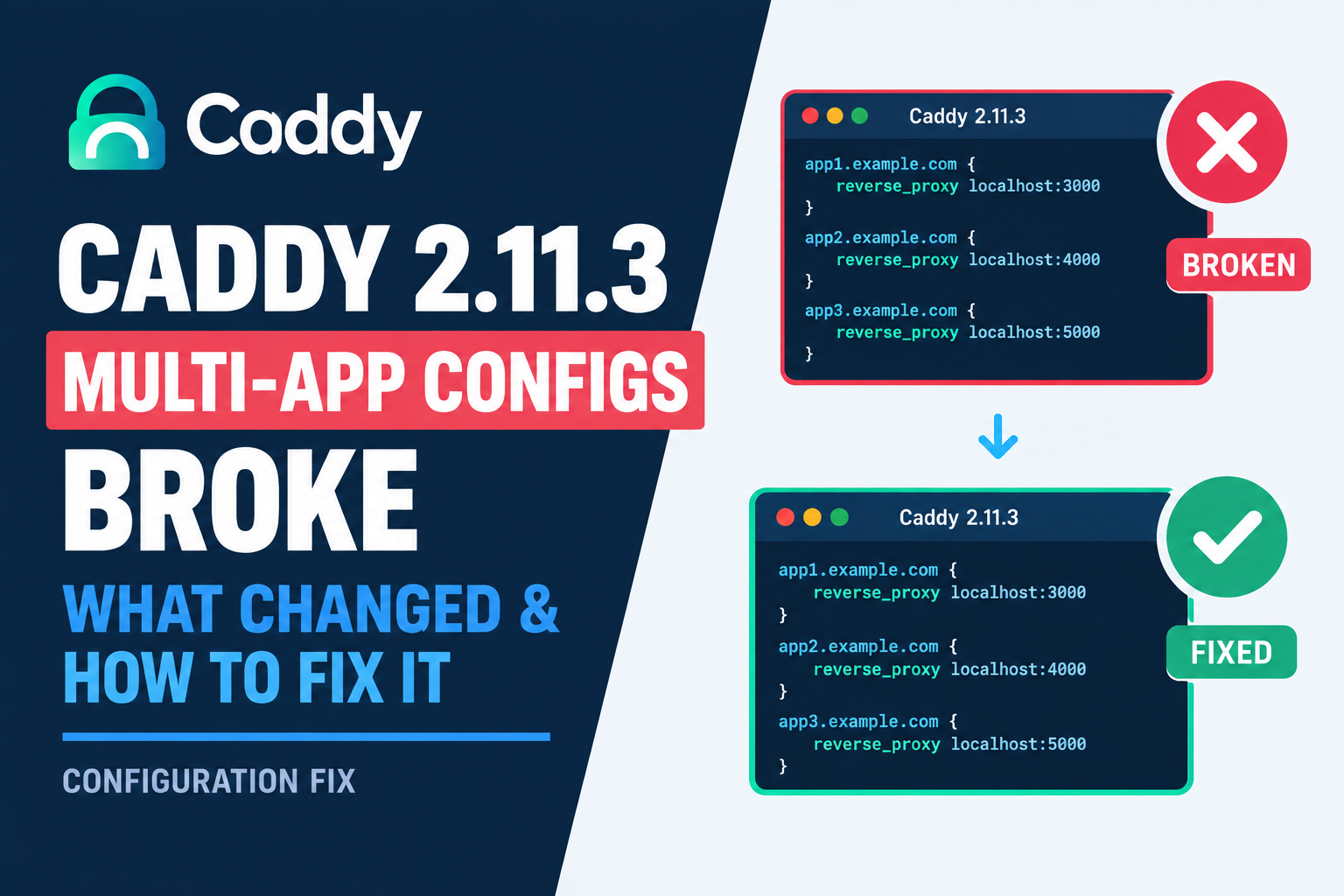
If you followed our guide on hosting multiple apps on one VPS with Docker and Caddy, your Caddyfile almost certainly uses a pattern where several site blocks reference localhost on different ports, one for each backend service you're proxying to. That exact pattern broke in Caddy 2.11.3, and if you updated around May 2026 without knowing, it's worth checking your setup right now.
What actually went wrong
A real report on Caddy's own GitHub issue tracker lays it out clearly. Someone upgraded from 2.11.2 to 2.11.3 using the official Docker image, and their previously working Caddyfile stopped being processed entirely, sending the container into a restart loop. The Caddyfile in question had two separate site blocks, each referencing localhost on a different port, proxying to two different backend services. After the upgrade, Caddy could no longer treat those as distinct entities. It's exactly the shape of config our own multi-app guide walks through. I haven't seen this covered anywhere outside that one GitHub thread, which tells me a lot of people either haven't hit it yet, or hit it and assumed they'd broken something themselves rather than found an actual regression.
Check your version first
docker exec caddy caddy versionIf you're on 2.11.3 specifically, and your Caddyfile uses more than one localhost-based site block on different ports, that's worth testing directly rather than assuming it's fine.
The fix is simple: update past it
Caddy 2.11.4 shipped on June 3, 2026, and it resolves this along with a batch of other fixes. This isn't just a convenience update either. Caddy's own 2.11.2 release notes mention a security fix for the forward_auth directive, addressing a bug that could permit identity injection and privilege escalation, and 2.11.4 carries further security-adjacent patches on top of that. If you've been putting off a Caddy update out of general caution, this is one where staying current is doing real security work, not just chasing the newest version number.
Pull the current image and confirm the version changed:
docker compose pull caddy
docker compose up -d caddy
docker exec caddy caddy version
Then validate your config explicitly before trusting it in production:
docker exec caddy caddy validate --config /etc/caddy/CaddyfileIf you're using caddy-docker-proxy
Worth a specific note here, since we recommended this plugin in our original multi-app guide for anyone scaling past a handful of services. The project's own changelog shows it bumping its Caddy dependency from 2.11.3 to 2.11.4 directly, which lines up with the timing of this fix. If you're pinning a specific caddy-docker-proxy image tag rather than tracking latest, check which Caddy version it's actually built against before assuming you're covered.
The habit this reinforces
I don't think the lesson here is to fear Caddy updates. It's the opposite, actually. The fix for this exact problem was a routine point release, not a major version jump. What I'd take from it is that pinning a web server to an old version out of caution can leave you exposed to bugs that got fixed months ago, while a config that looks broken after an update might just need you to go one release further, not roll back.
I verified the version numbers and release dates in this guide against Caddy's official GitHub releases as of August 2026.


Comments 0
Be the first to comment.
Leave a comment