
Let's Encrypt Is Shortening Certificate Lifetimes. Here's Why Caddy Users Don't Need to Worry
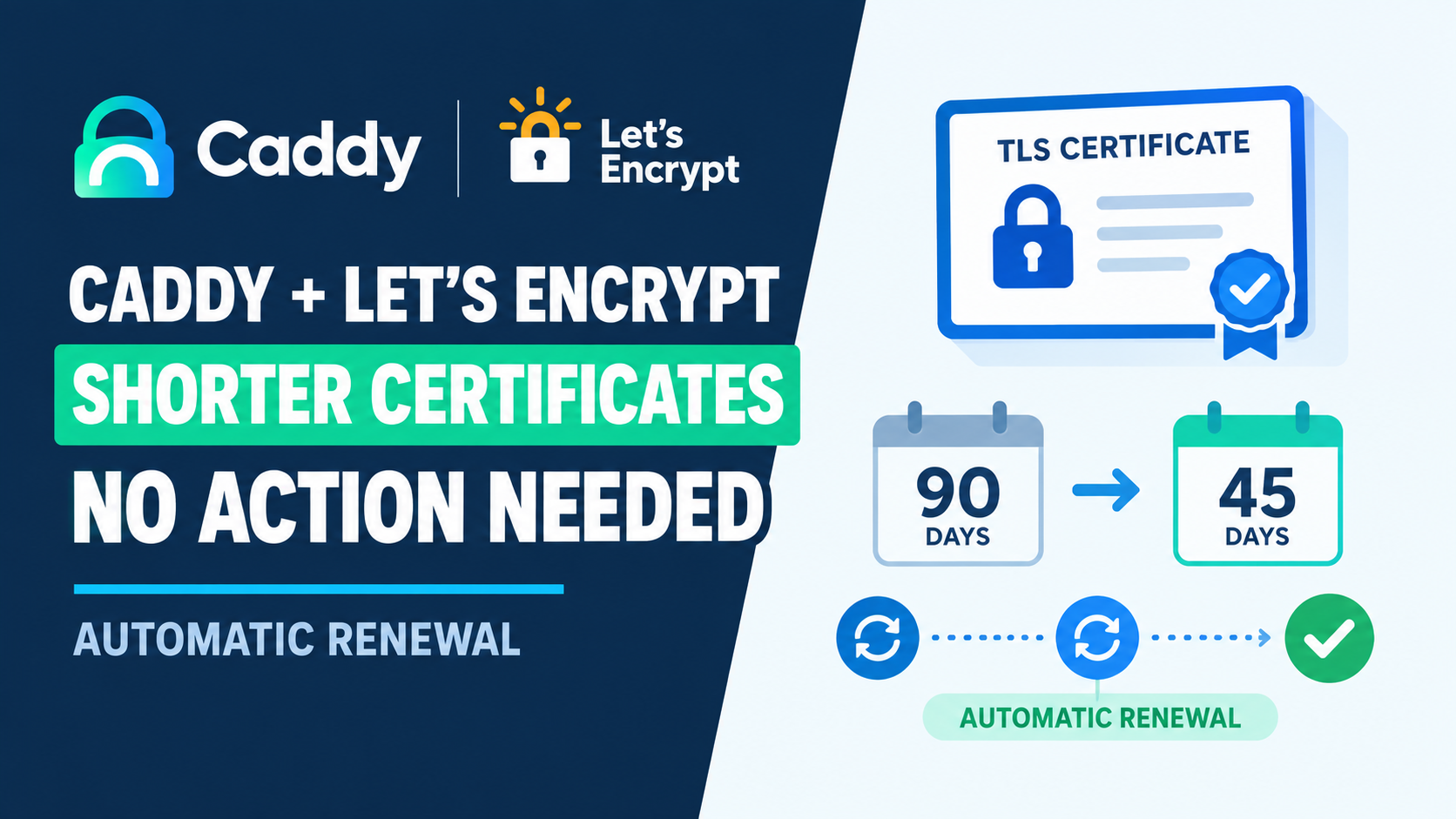
Let's Encrypt is shortening how long its certificates stay valid, and I've seen a lot of advice going around telling people to check their renewal cron job before it's too late. If you're running Caddy, the way we've set it up throughout this site, I want to save you the worry. You almost certainly don't need to do anything, and I'll explain exactly why rather than just asking you to trust me.
What's actually changing
Let's Encrypt has been on a 90-day certificate lifetime for most of its existence. That's changing gradually. According to Let's Encrypt's own announcement, the default lifetime drops to 64 days on February 10, 2027, and then to 45 days on February 16, 2028. There's also an opt-in 45-day option already available now for anyone who wants to test early. This isn't Let's Encrypt being difficult. It's part of a broader industry requirement from the CA/Browser Forum, the body that sets the rules every certificate authority follows, and other major certificate authorities are moving the same direction on their own timelines.
Why certbot users are being told to check their cron job
A lot of existing renewal setups, particularly ones built around certbot, use a fixed schedule, commonly a cron job that runs every 60 or 90 days assuming a 90-day certificate. That assumption breaks the moment the actual certificate lifetime shortens and the fixed schedule doesn't. The advice going around, and it's correct advice for that setup, is to tighten the interval so it's comfortably shorter than whatever the new certificate lifetime turns out to be.
Why Caddy doesn't have this problem
Caddy doesn't use a fixed schedule at all. According to Caddy's own documentation, it renews based on a ratio of the certificate's actual lifetime, not a hardcoded number of days. The default is 66 percent, meaning Caddy starts attempting renewal once a certificate has used up two thirds of its validity period, whatever that period happens to be. So on today's 90-day certificates, Caddy renews with about 30 days left. If Let's Encrypt shortens that to 45 days, Caddy automatically renews with about 15 days left instead, without a single config change on your end. The percentage stays the same, it's just applied to whatever number the certificate authority gives it. Caddy also checks a background process roughly every ten minutes to see if any certificate needs attention, rather than waiting for a scheduled job to fire once. If you're running Caddy the way we've set it up in our multi-app VPS guide, this is genuinely one less thing to worry about as this industry shift plays out over the next couple of years.
Worth confirming anyway
I'd still check that things are actually working, mostly because it's good practice, not because I expect a problem. A quick look at your current certificate's expiry:
openssl s_client -connect yourdomain.com:443 -servername yourdomain.com < /dev/null 2>/dev/null | openssl x509 -noout -datesAnd a look at recent Caddy logs for anything renewal-related:
docker exec caddy sh -c "journalctl -u caddy --since '7 days ago' 2>/dev/null || true"If your certificate is current and you're not seeing renewal errors, there's genuinely nothing further to do here. This is one of those cases where the boring answer, that your existing setup already handles it, happens to be the correct one.
I verified Caddy's renewal behavior and Let's Encrypt's timeline directly against both projects' own official documentation as of August 2026.


Comments 0
Be the first to comment.
Leave a comment